

Save on 25 or More Orders: Photo Card Paper Proofs for Buyers
“Photo card paper” almost always means one thing to shoppers who search it: a finished, personalized photo card ready to sign and mail, not blank craft stock for a home printer. The move is simple. Pick a photo that fits the occasion, choose a style and finish that matches your family’s personality, request a proof, and place your order. Some print shops make that whole process easy to preview before you commit.
TL;DR:
- Choosing the right format, quantity, and finish can significantly impact the cost, feel, and presentation of your photo card.
- Select a high-resolution, well-composed photo with proper cropping and safe margins to ensure a sharp, personalized finish.
- Heavier paper stock and finishes like matte or metallic can elevate perceived quality and durability, especially for milestone or keepsake cards.
- Always review a physical proof for color accuracy, crop, and text before placing a large order to prevent costly reprints.
- Ordering 25 or more cards provides substantial savings, and requesting a proof is the best way to avoid mistakes, even when rushing.
Table of Contents
- Quick Decision Checklist: Format, Quantity, and What to Include
- Choose and Prepare the Right Photo: Composition, Crop, and File Specs
- Paper Weights, Finishes, and Style Choices That Affect Tone
- What to Check on Your Proof Before You Finalize the Order
- What I’ve Learned Reviewing Photo Card Orders
- Ready-Made Photo Cards to Preview Before You Order
- Sources
Quick Decision Checklist: Format, Quantity, and What to Include
Before you fall in love with a design, settle three practical questions. They shape everything else about your order, from price to how the card feels in someone’s hands.
Start with format. A folded 5x7 card feels like a keepsake, the kind of thing that gets tucked into a scrapbook or propped on a mantel. A flat postcard style works better for casual mailings, playful holiday updates, or announcements you want people to see the instant they pull it from the envelope.
Quantity matters more than most first-time shoppers expect:
- Small runs (under 5 cards) cost more per card, since setup and proofing take the same effort regardless of volume.
- Mid-size orders (5 to 24 cards) usually hit the first meaningful price break.
- Bulk orders (25 or more) bring the lowest per-card cost, which matters if you are sending to extended family, a client list, or a full holiday address book.
Envelopes are typically included with finished photo cards, but upgrades like pre-addressing, foil accents, or embossing add both cost and a few extra production days. If your timeline is tight, decide early whether those extras are worth the wait. A plain matte finish with a clean design often looks just as warm and heartfelt as a heavily embellished one, and it ships faster.
Choose and Prepare the Right Photo: Composition, Crop, and File Specs
The photo you choose does more emotional work than the paper it lands on. A photo card that references the occasion, the recipient, or the relationship between you and them will always feel more personal than a generic snapshot. Couples portraits shine on anniversary cards, a candid shot of the kids fits Mother’s Day beautifully, and a genuine event photo makes the best thank-you card, a point Shutterstock’s own creative guide backs up with real examples.
Getting the file itself print-ready takes a little more care. Follow these steps before you upload anything:
- Pull the original camera file, not a version you already posted online. Social platforms compress images heavily, which flattens detail and can leave prints looking soft or pixelated.
- Aim for around 300 DPI at final print size. A photo that looks sharp on your phone screen at a few inches wide can turn blurry once it is blown up to fill a 5x7 card.
- Leave safe margins around the edges so nothing important gets clipped during trimming, and position faces slightly above vertical center on portrait-style cards so there’s breathing room for greeting text below.
- Export two versions: a high-resolution print-ready file and a smaller digital copy, so you preserve print quality while still having something shareable to send around by text.
The3dCards’ design and quality guide makes the same point about original files mattering more than any editing trick after the fact.
Pro Tip: If your best photo is a phone shot with imperfect lighting, don’t scrap it. A restyled watercolor or oil-painting treatment is far more forgiving of soft focus or uneven color than a photorealistic print, and it often looks more intentional anyway.
Paper Weights, Finishes, and Style Choices That Affect Tone
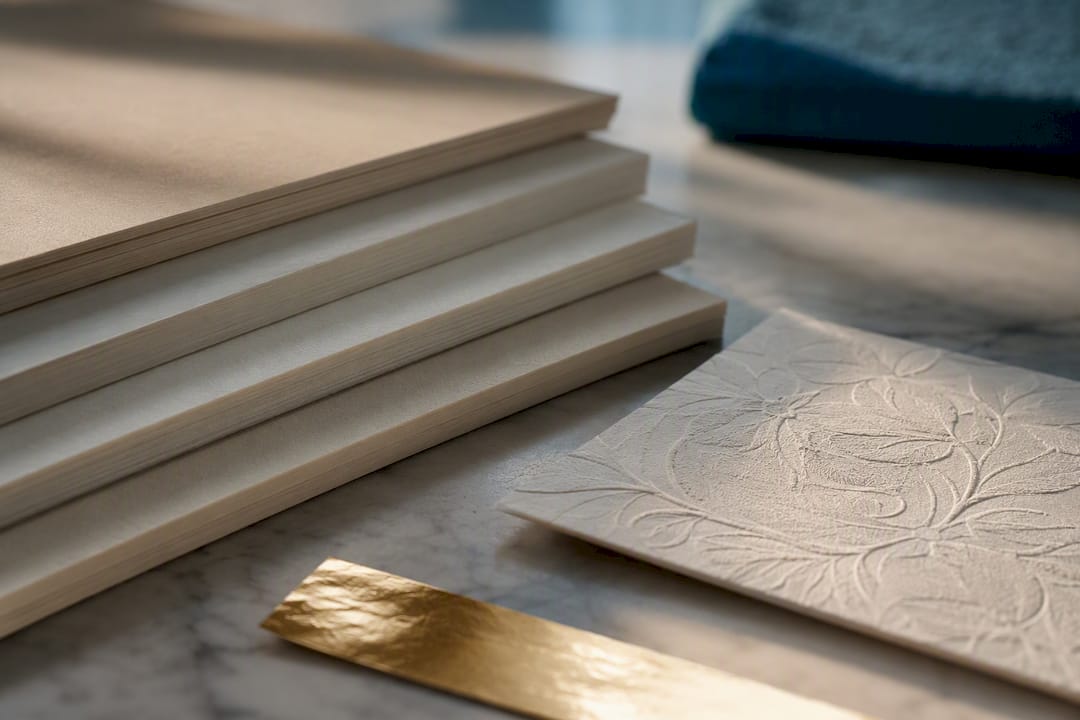
Cardstock weight changes how a photo card feels before the recipient even reads a word. Heavier stock has a substantial, almost reassuring quality in the hand. It signals that someone put real thought into the mailing, and it holds up better if the card gets propped up, framed, or saved in a memory box for years. Lighter stock is fine for casual mailings, but it can feel more disposable.
Finish is where personal taste really comes into play:
- Matte cuts glare and gives handwritten notes a smooth surface, which matters if you plan to sign each card individually.
- Glossy makes photo colors pop, especially with bright holiday scenes or high-contrast portraits.
- Linen, pearl, or metallic finishes add a tactile, premium feel that suits milestone announcements or cards meant to be kept rather than tossed after the season.
Style choice matters just as much as the physical paper. PhotoCardMagic’s guide to custom greeting cards calls a watercolor restyle a safe universal default, since it softens imperfect lighting and reads as warm and inviting across almost any occasion. Oil-painting styles lean more formal and work well for milestone birthdays or anniversaries where you want a bit of gravitas. Photorealistic prints are the right call for birth announcements or graduation cards, where the actual likeness matters most and the source photo is sharp enough to support it.
If you’re weighing cardstock options for framing or long-term keeping, it helps to understand how paper weight affects embossing and feel before you finalize a specialty finish. Foil stamping and embossing both add a genuinely elegant touch, but budget a few extra production days for either one.
What to Check on Your Proof Before You Finalize the Order
A proof is your last chance to catch a problem before it becomes 25 printed cards sitting in a box. Treat it seriously, even when it feels like an extra step slowing down an order you’re excited about.
- Check color accuracy first. Screens run brighter and more saturated than paper, so colors that look vivid on your monitor can print slightly muted.
- Confirm the crop and bleed. Make sure no faces, text, or important details sit too close to the trim edge.
- Read every word of text out loud, including names and dates. Typos in a greeting are the single most common reason people order a reprint.
- Verify envelope size and any pre-addressing if you added that upgrade.
- Request a physical proof for large orders whenever it’s offered, not just a digital preview. Screen colors and printed colors don’t always match.
Statistic Callout: Requesting a physical proof before a bulk run is consistently cited as one of the best ways to avoid costly reprints, since color shifts between screen and paper are common enough that Fondly’s photo-invitation guide treats a physical check as standard practice, not an optional extra.
Turnaround windows vary by order size. Small orders typically move faster since there’s less to proof and print, while bulk orders need extra lead time for quality checks across every card. If you’re ordering close to a deadline, ask about expedited options up front rather than assuming standard shipping will get there in time. And if your source photo lacks sharp detail, switching to a more forgiving style like watercolor can save you a reprint cycle entirely, per PhotoCardMagic’s guidance on style forgiveness.
What I’ve Learned Reviewing Photo Card Orders
Most people spend way too much time agonizing over having the “perfect” photo and not nearly enough time thinking about style and message. A well-composed phone photo with a thoughtful restyle beats a technically flawless studio shot with a generic caption, every time. The card that gets kept on someone’s fridge for a year isn’t the one with the sharpest resolution. It’s the one that sounds like your family and looks like a moment you actually lived.
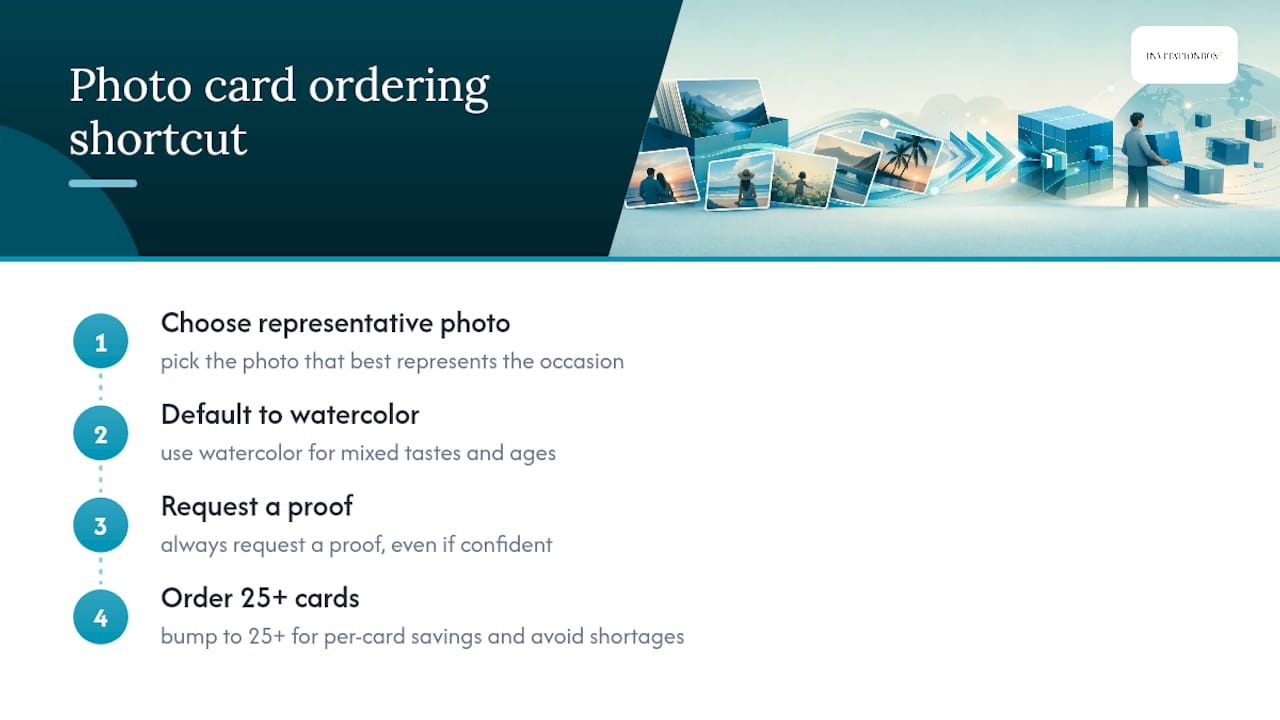
My workflow, if you want a shortcut: pick the photo that best represents the occasion, default to a watercolor style if you’re mailing to a mixed audience of tastes and ages, request a proof no matter how confident you feel, then bump your order to 25 or more if your list is anywhere close to that number. The per-card savings are real, and running out mid-mailing season is a headache nobody needs.
One more thing worth saying plainly: don’t skip the proof step because you’re in a hurry. It’s the cheapest insurance you’ll buy all season.
— Jon
Ready-Made Photo Cards to Preview Before You Order
Some print shops offer a free preview of your actual photo on the actual card design before you spend a dollar, so you’re never guessing what the finished product will look like.
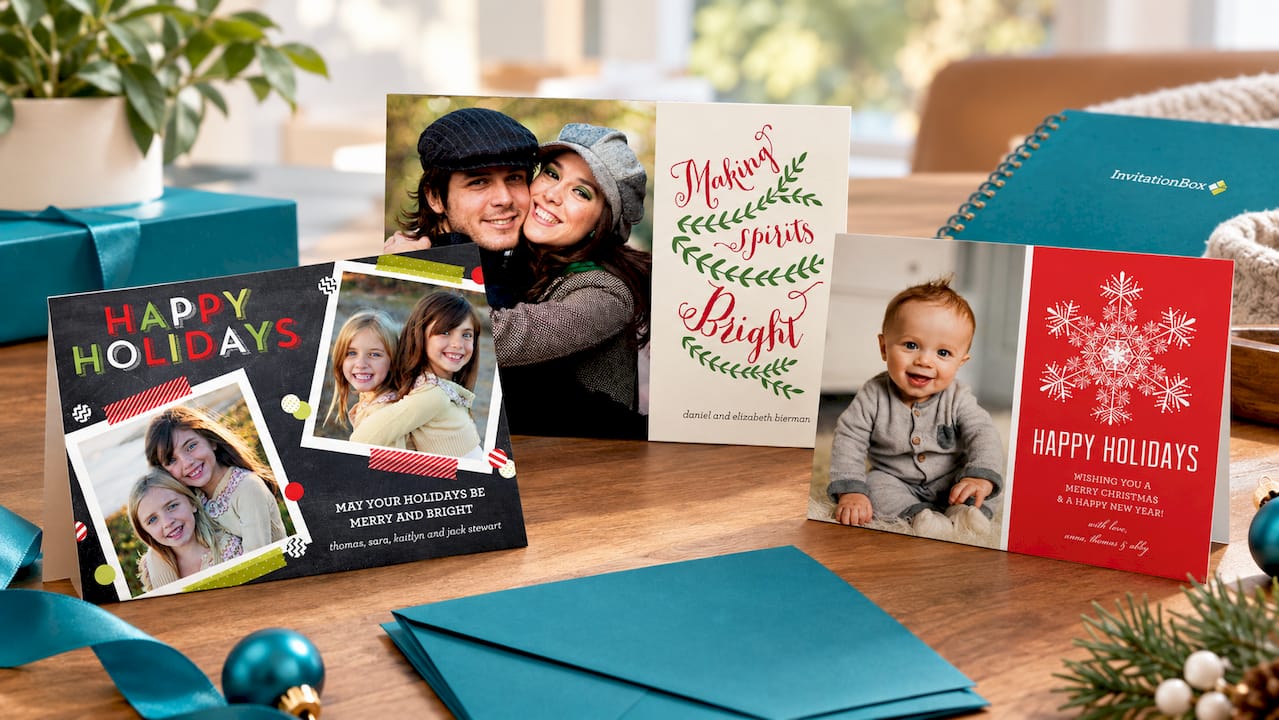
Three catalog examples show the range well. The Fun Holiday Confetti Photo Card suits a playful, casual holiday mailing, especially for families who want energy and color over formality. The Vintage Making Spirits Bright Photo Card leans nostalgic, with a warmer, more formal tone that fits traditional holiday sends. The Elegant Snowflake Holiday Photo Cards design offers a refined, classic look for anyone who wants their card to feel a little more polished without losing warmth.
The ordering shortcut is straightforward: upload your photo for a free preview, choose your finish and inside message, request a proof, and complete your order once everything checks out. Browse the current photo card collection and see your own photo on a design before you decide.
Sources
- The Complete Guide to Custom Greeting Cards — PhotoCardMagic
- Cards Personalised Photo: Design & Quality Guide 2026 - The3dCards